Vehicle State
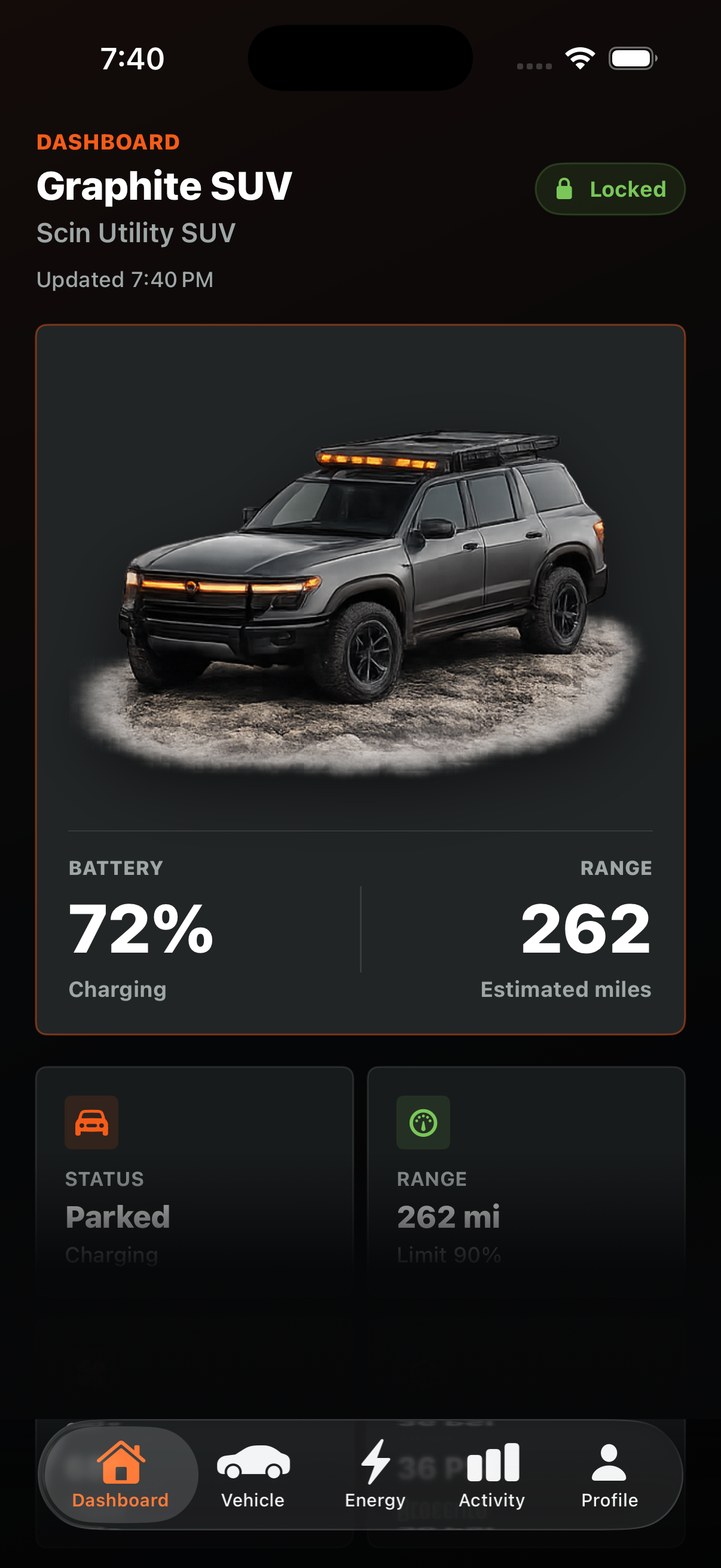
Dashboard and control screens render selected SUV or truck states with real image assets and native overlays.
Rugged EV Companion
Scin is a SwiftUI connected-vehicle companion app concept for rugged electric vehicles, featuring simulated telemetry, remote controls, charging analytics, vehicle state rendering, parental controls, and a scalable MVVM architecture.
Simulator Demo
Watch a live simulator demo of the app's key features: vehicle controls, remote commands, energy management, and connected features.
App Overview
Dashboard and control screens render selected SUV or truck states with real image assets and native overlays.
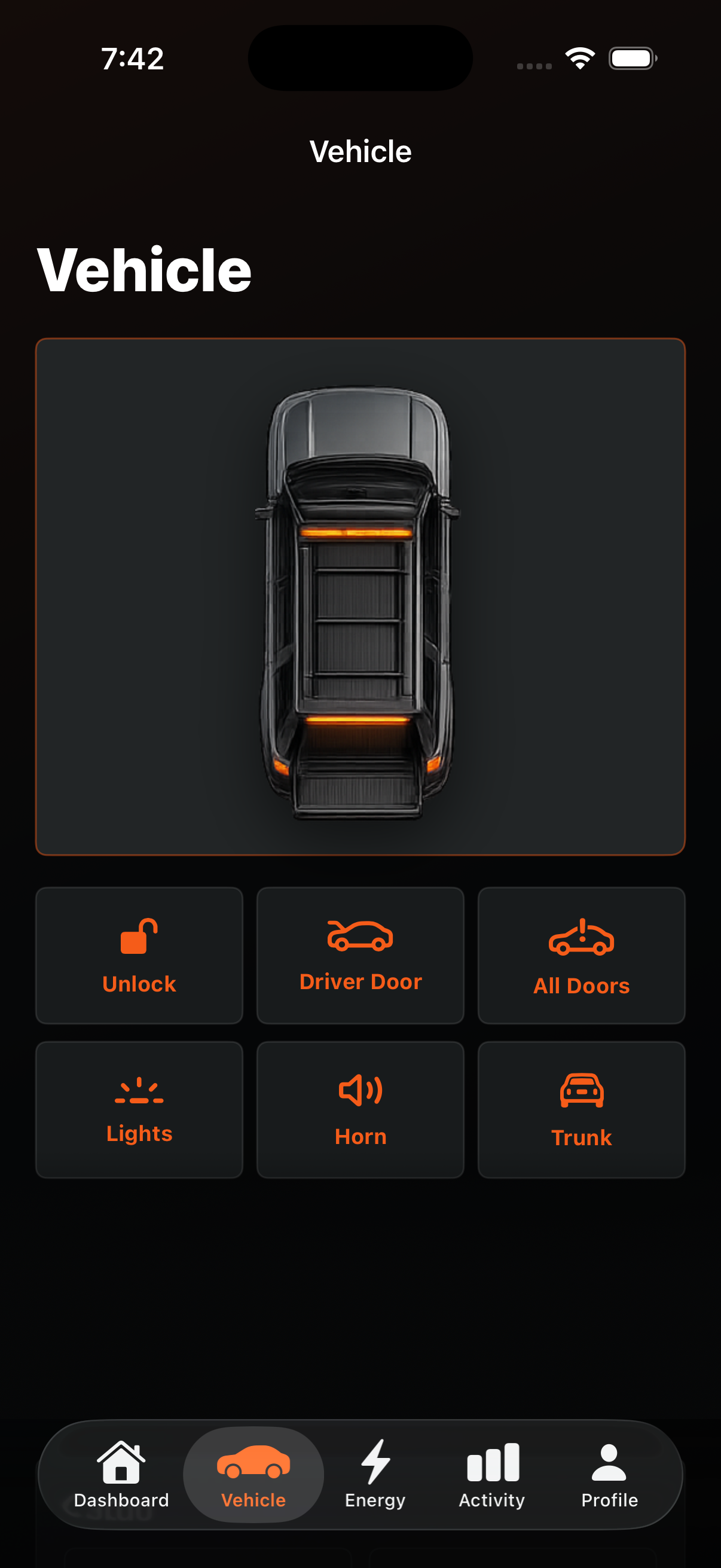
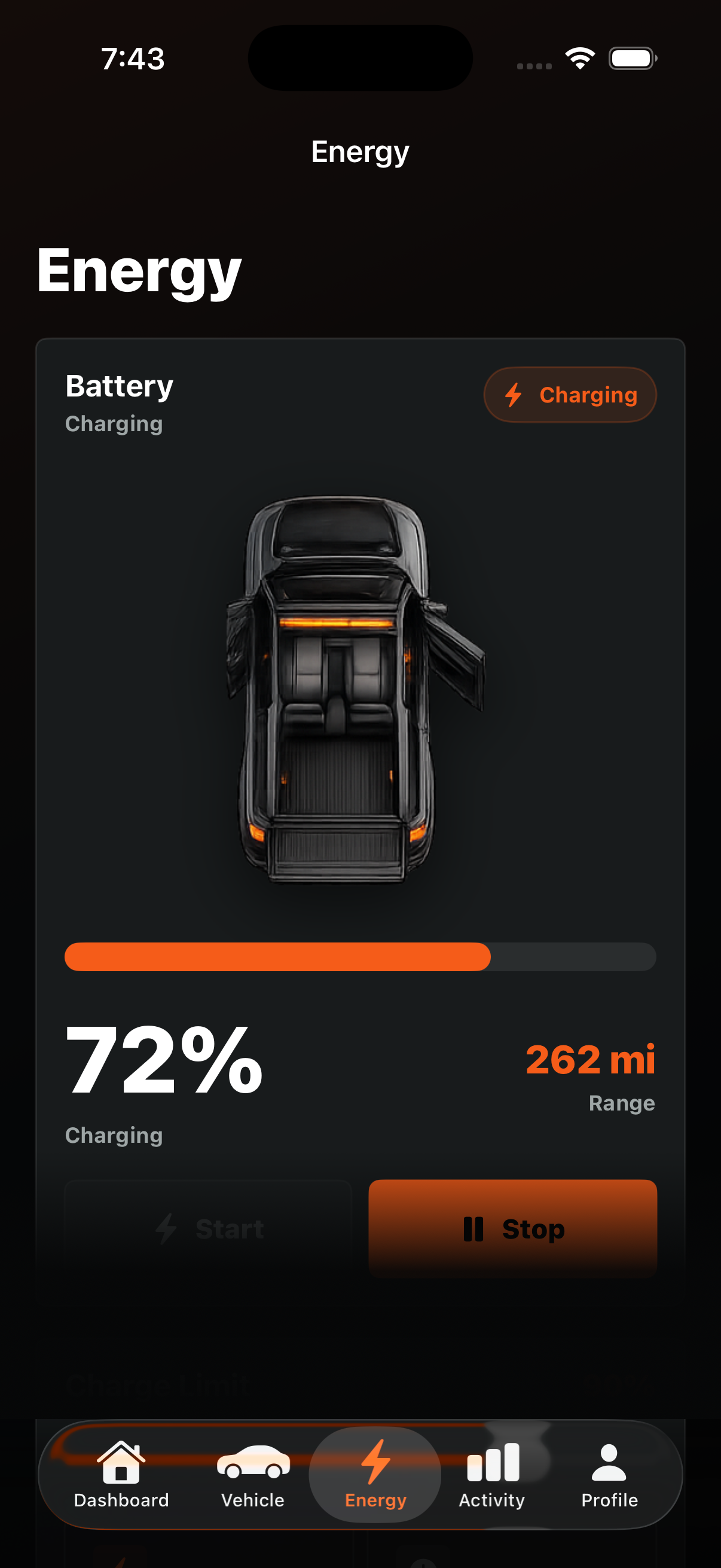
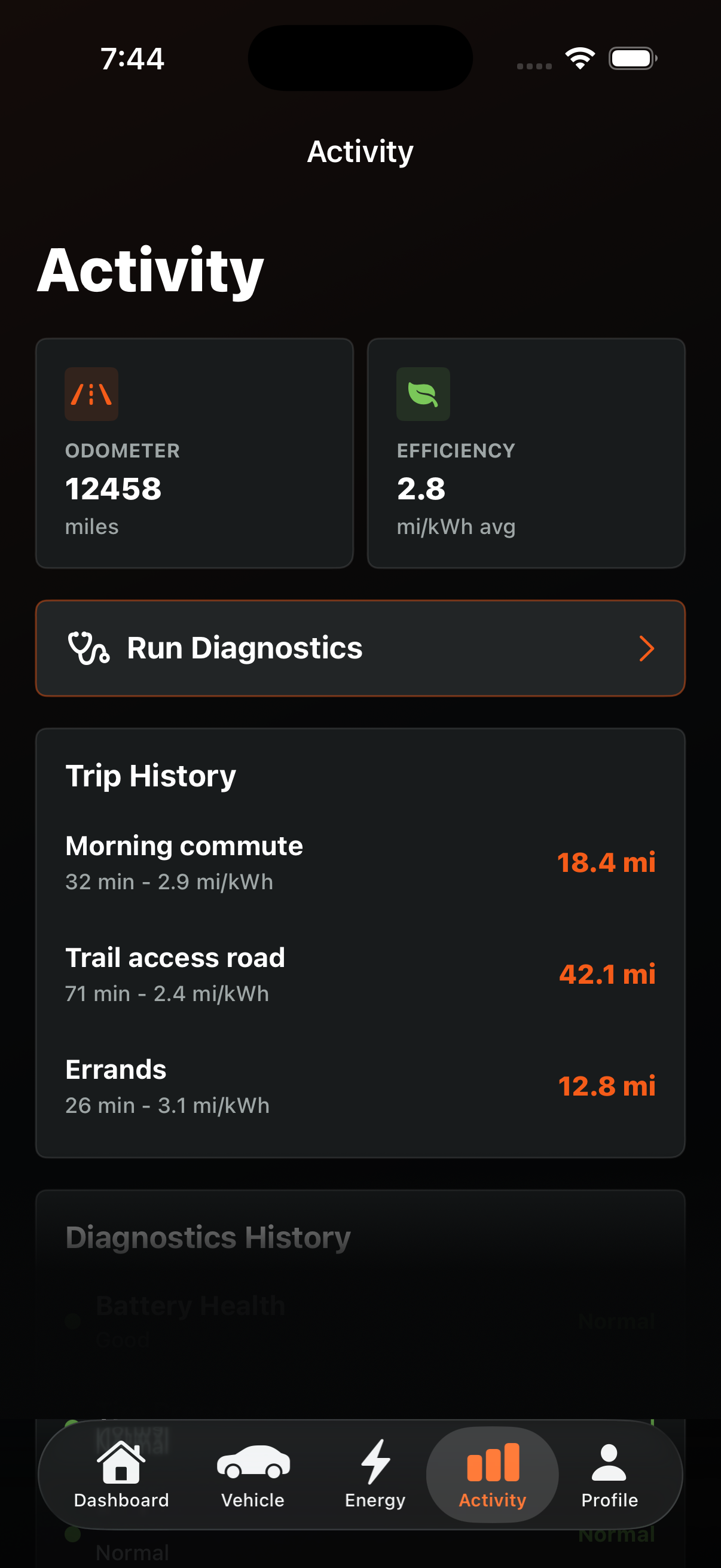
Lock, climate, horn, lights, trunk, frunk, charging, diagnostics, and mock pairing flows provide safe feedback.
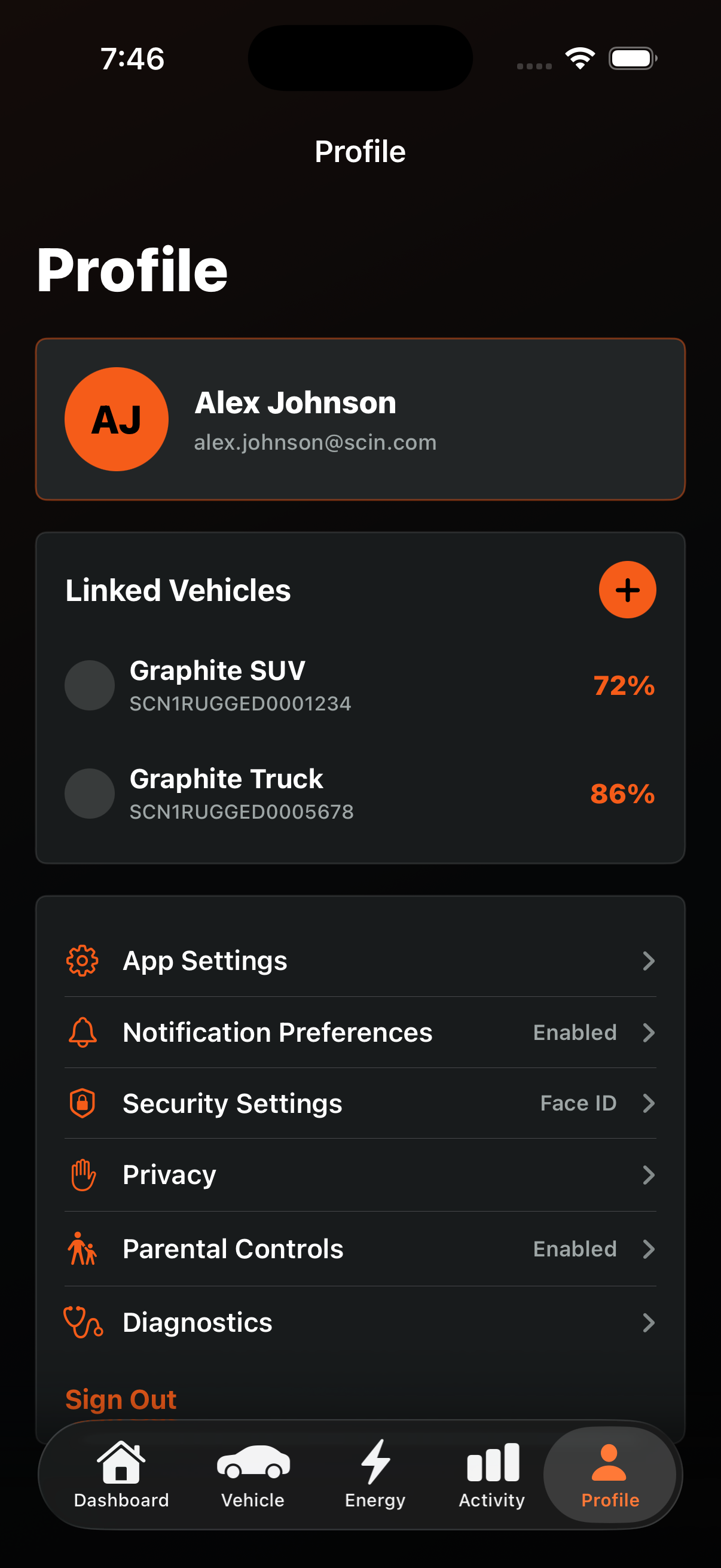
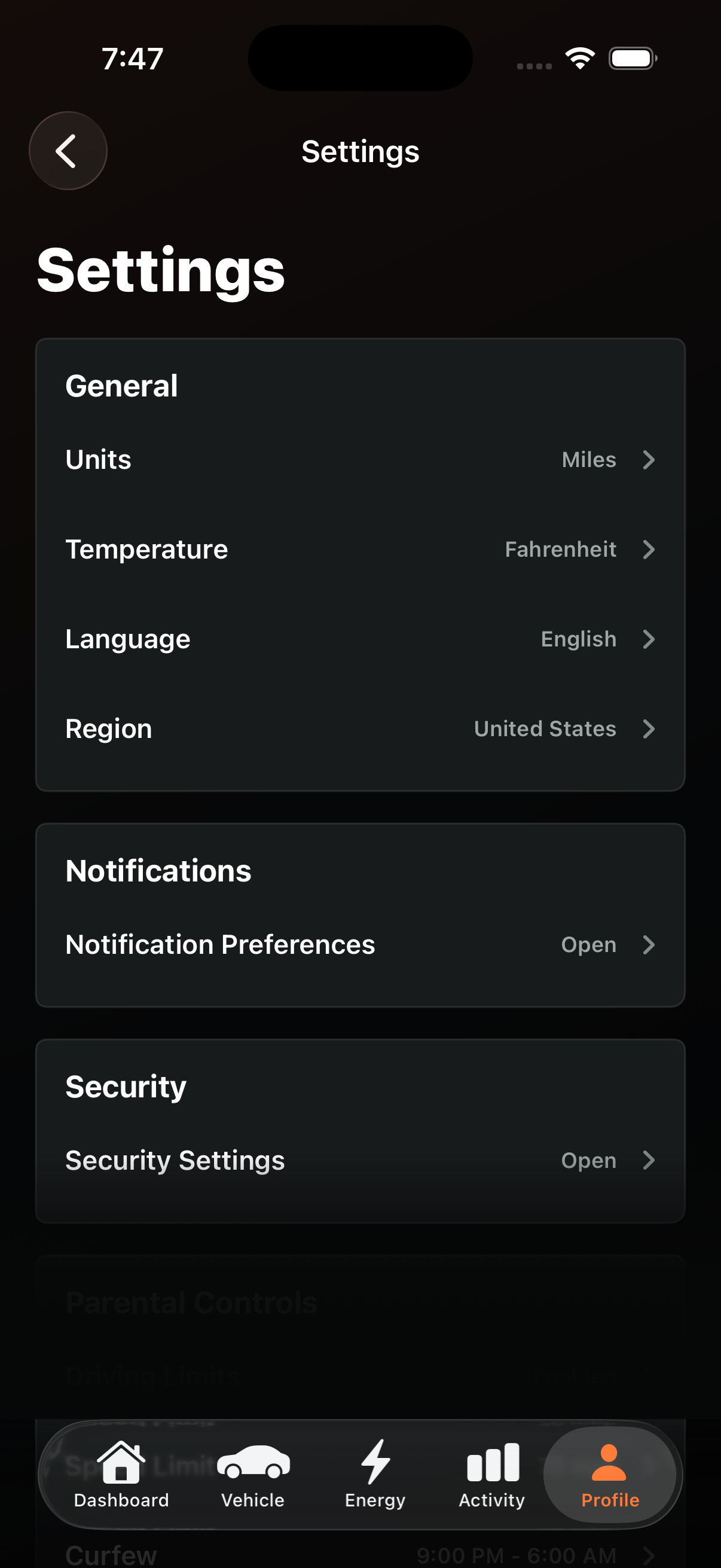
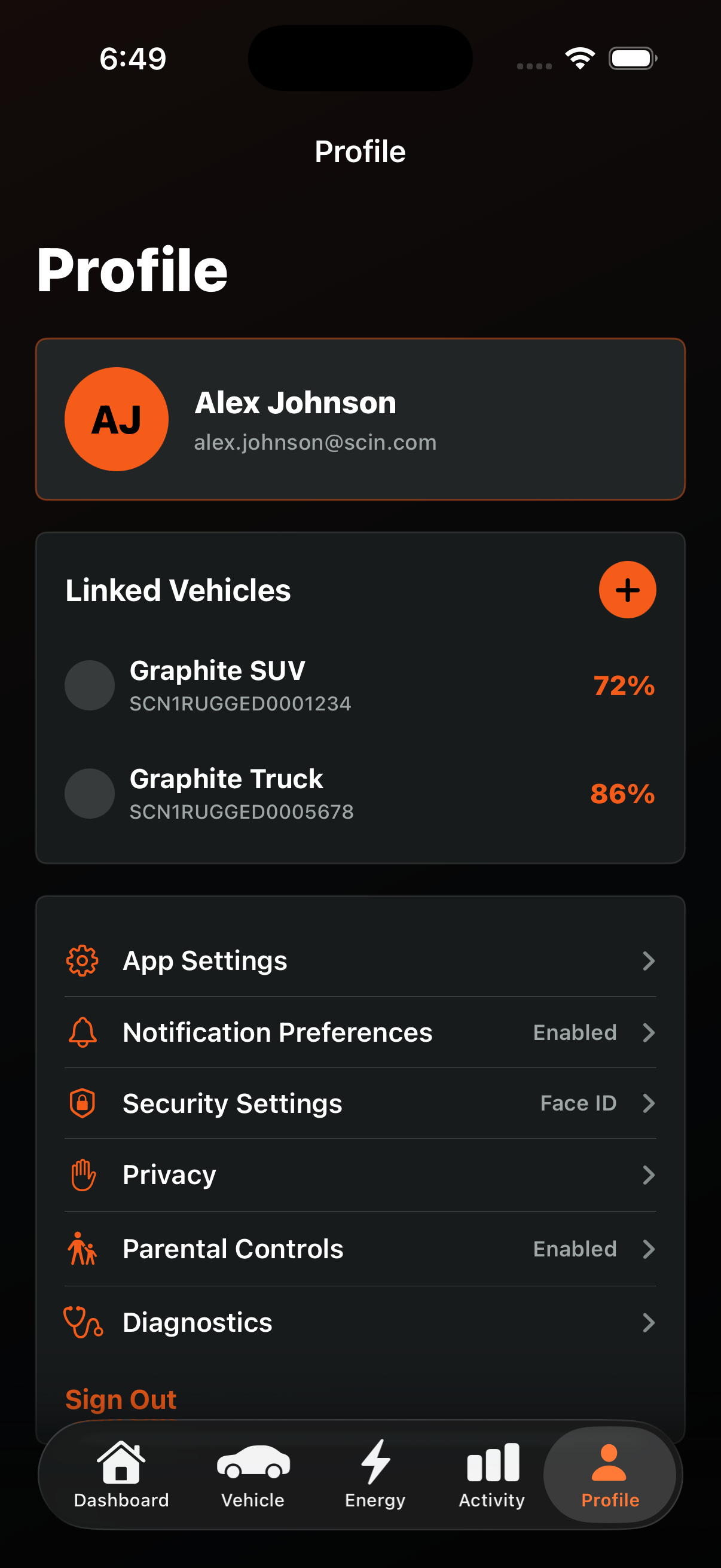
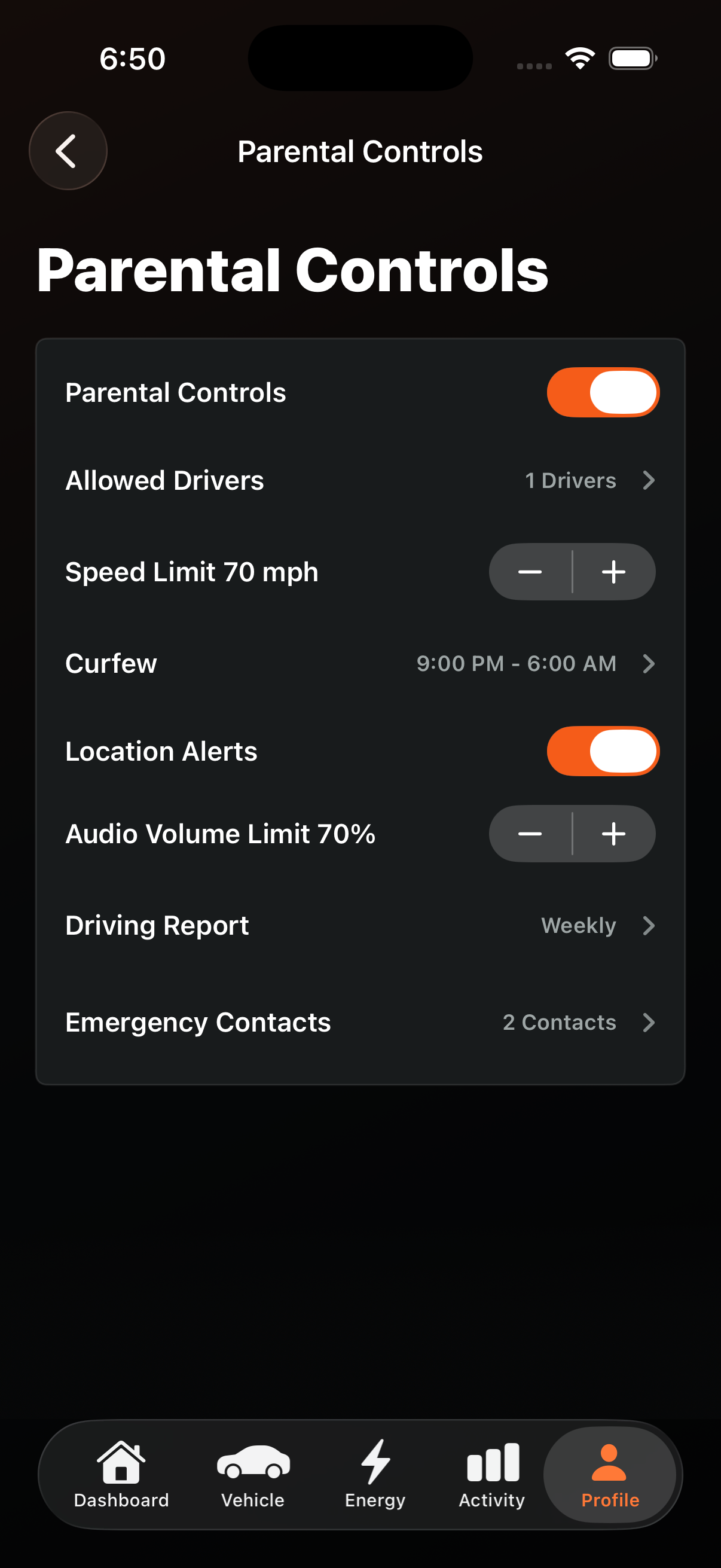
Settings, security, notifications, privacy, parental controls, and linked vehicles round out the companion app model.
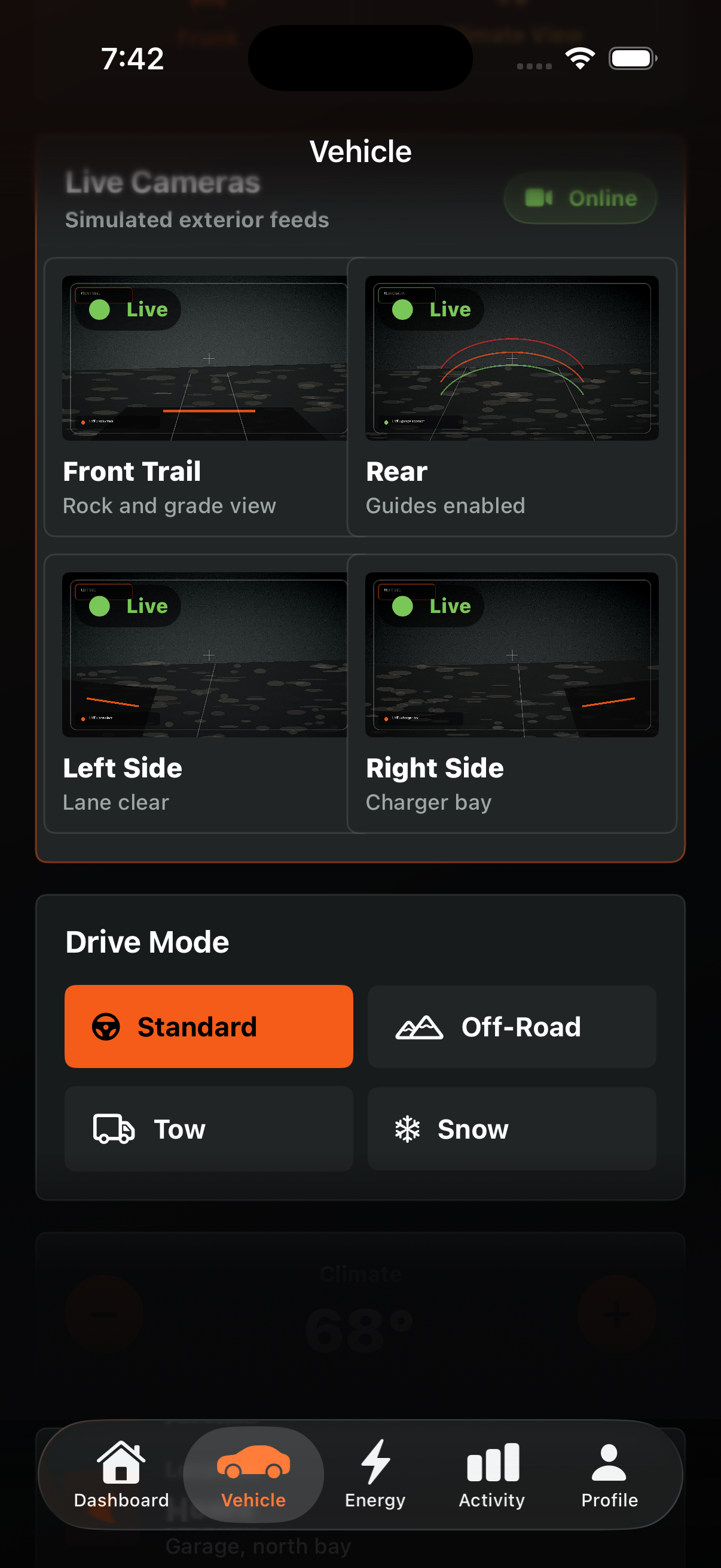
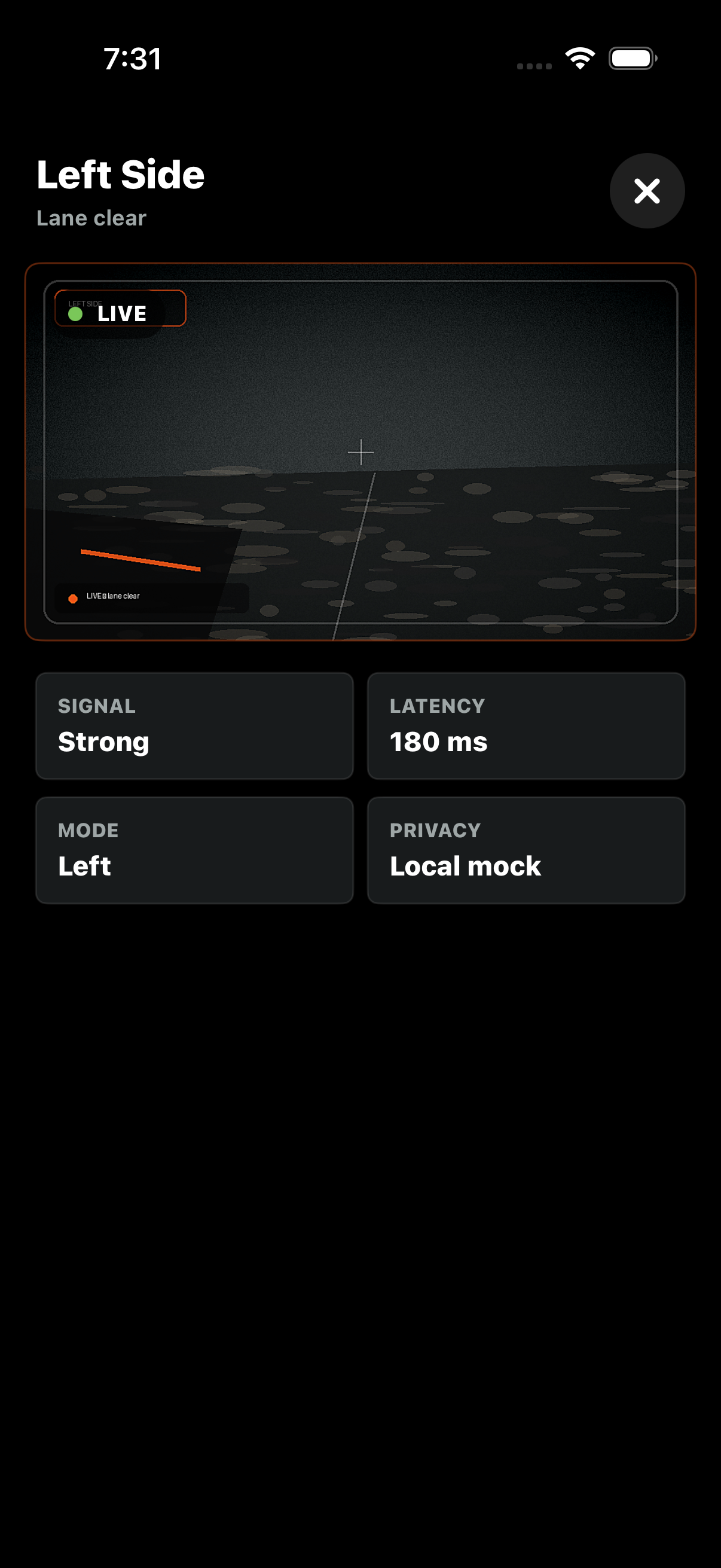
Generated mock exterior camera views make the Vehicle tab feel closer to a real connected rugged EV control surface.
Feature Walkthrough
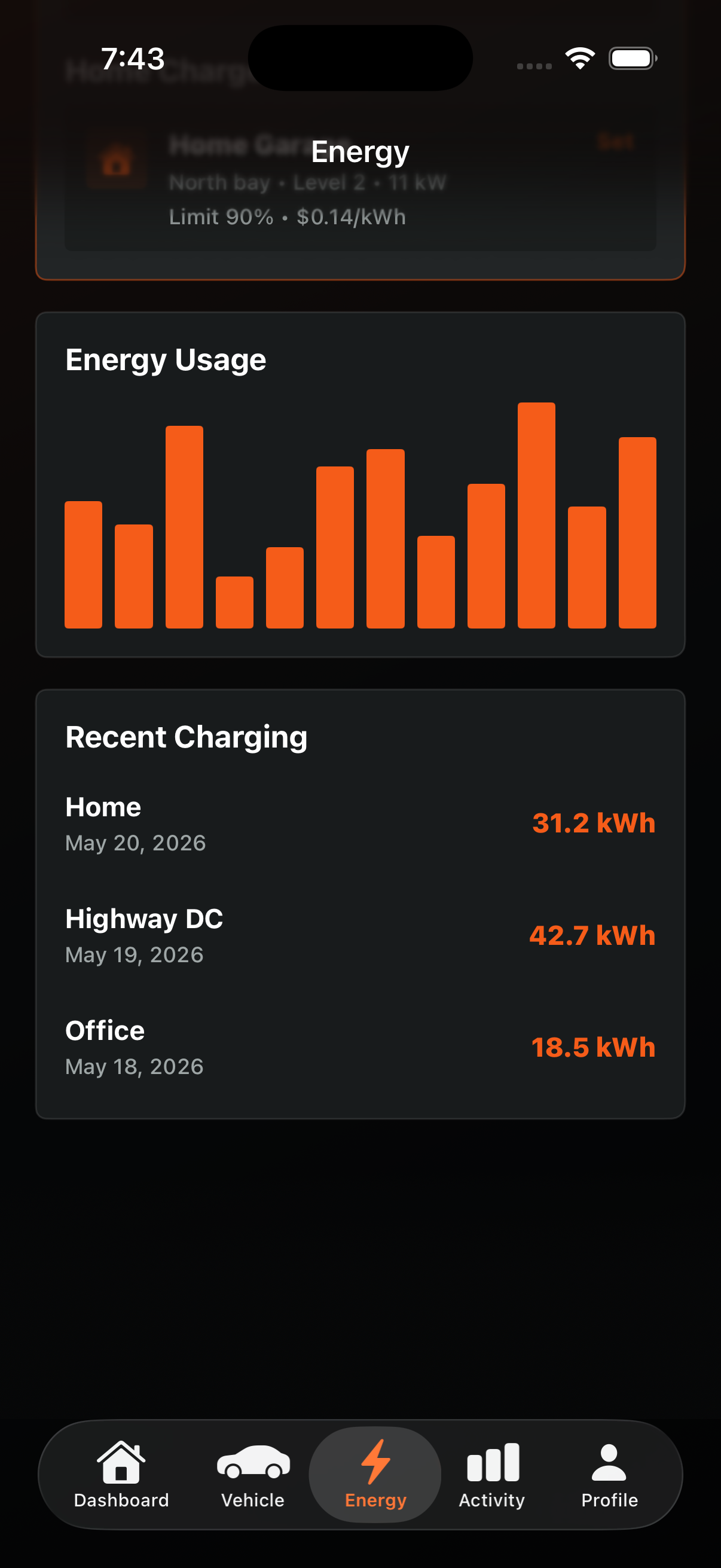
Captured from iOS Simulator with xcrun simctl io booted screenshot.
Architecture
The app separates SwiftUI screens from ObservableObject view models and async service protocols. Mock services simulate connected-vehicle latency, charging route planning, and command feedback without relying on external APIs, timers, launch streams, or environment-object fragility.
Feature screens bind to focused view models for command handling, loading state, validation, and toast feedback.
Rendered assets are resolved by body style and context, matching an automotive render pipeline.
Telemetry, battery state, charger route planning, camera feeds, charge sessions, diagnostics, remote commands, and parental controls are modeled safely with mock data.
Proposed Connected Vehicle Architecture
The current app is intentionally mock-backed, but its screens, view models, command boundaries, and data models are shaped to map cleanly onto real vehicle APIs, telemetry streams, secure command execution, and charger network integrations.
Setup Instructions
scin.xcodeproj.scin scheme.Cmd-R.